01
Large point-cloud dataset handling
Stay responsive while you work through the scale and density of real capture data.
PrismaCAD
Import, inspect, slice, measure and generate high-resolution orthoprojections from large point-cloud datasets.
What PrismaCAD does
PrismaCAD is professional point-cloud software for the work between capture and technical drawing. Bring in the scan, understand it from every useful angle, isolate the detail, and produce a measured output your next tool can use.
Built for inspection
See the evidence in your dataset before a downstream decision is made.
Ready for handoff
Prepare precise images and DXF outputs for CAD and technical drawing workflows.
The workflow
A focused sequence for the work that matters after the scanner stops: understand, reduce, measure, and move forward. Learn how to create orthoprojections from point clouds.
The real application
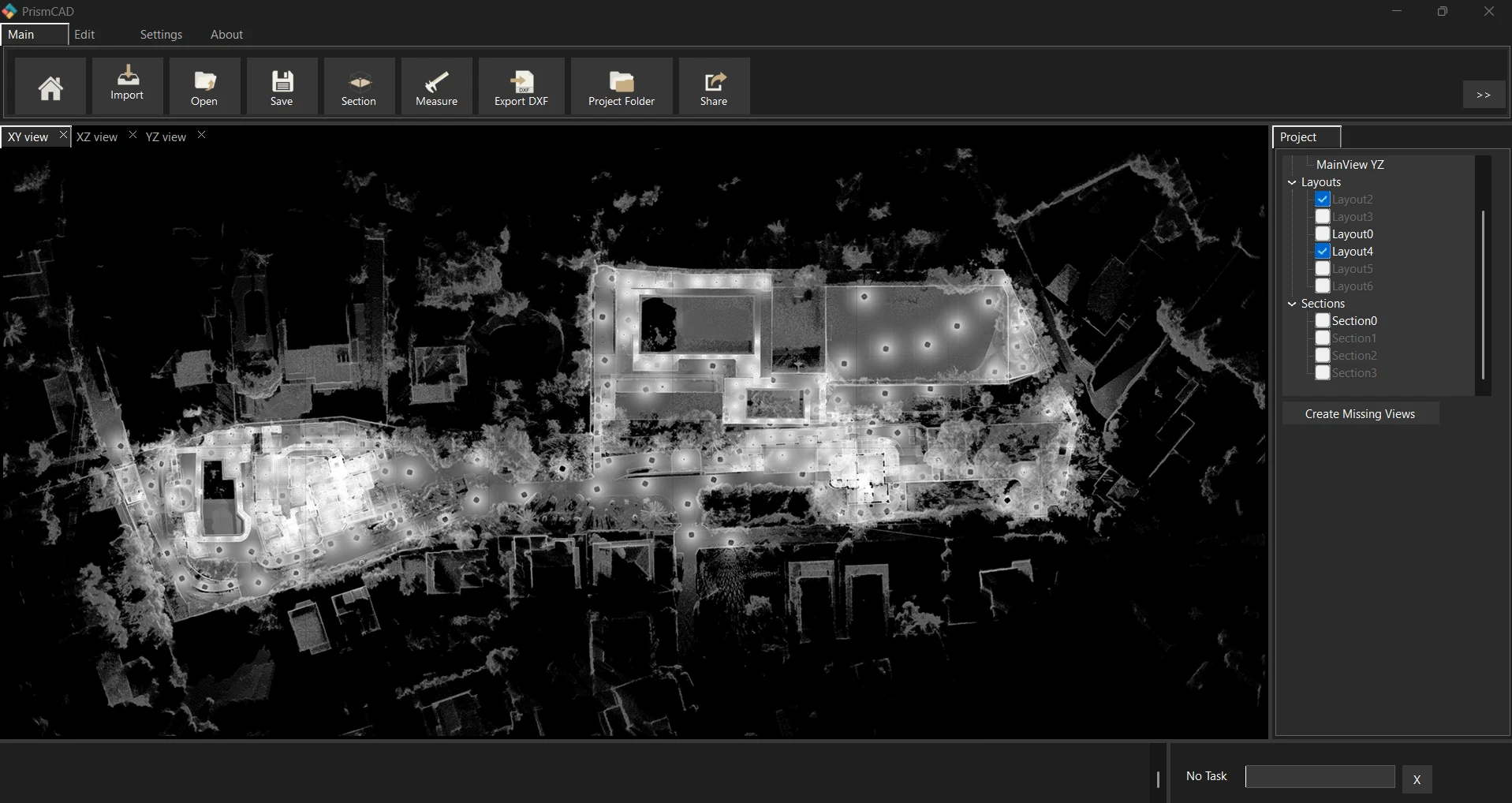
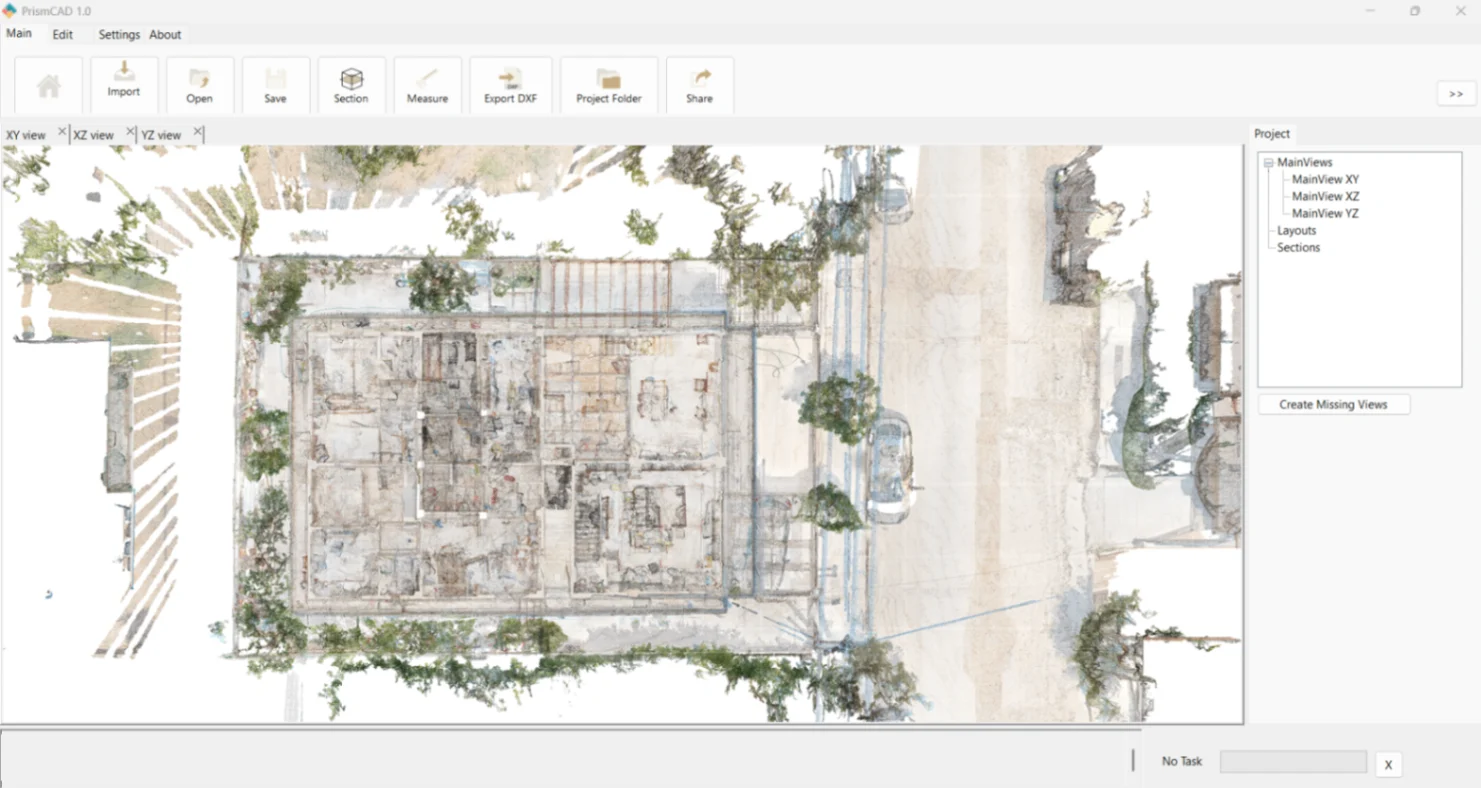
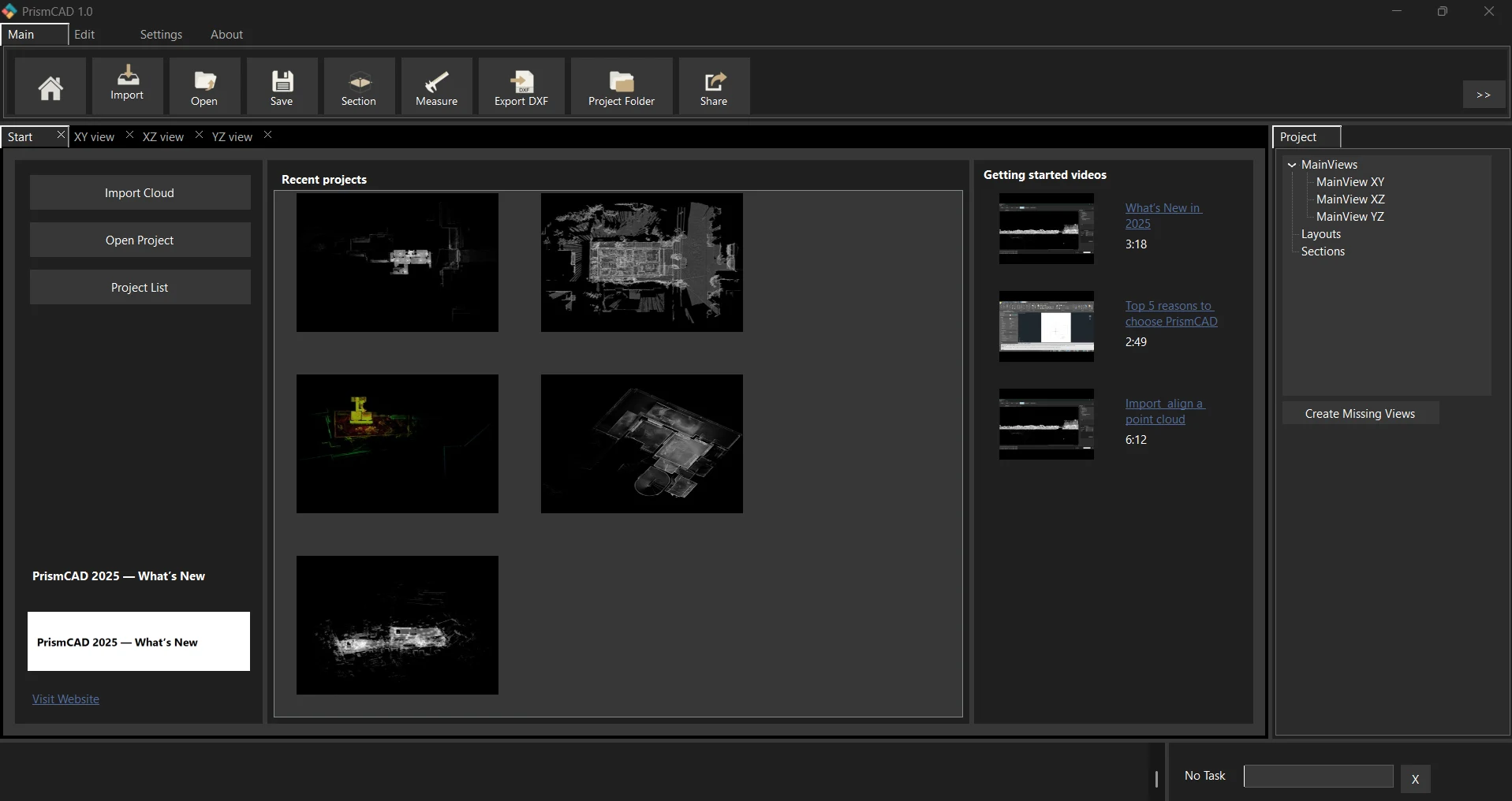
No abstract dashboards. PrismaCAD puts the point cloud, the views, and the next action in the same practical workspace.
Views that stay legible
XY, XZ, and YZ views let you inspect a site from the angle the work requires.
Outputs you can use
Generate high-resolution images and DXF files for downstream CAD and technical drawing workflows.
Key features
01
Stay responsive while you work through the scale and density of real capture data.
02
Read the same project in plan, elevation, and section views without losing context.
03
Isolate the geometry that matters for inspection, documentation, and handoff.
04
Take clear measurements directly from the point cloud when decisions need evidence.
05
Generate detailed orthoprojections for the next stage of your technical workflow.
06
Choose the visual treatment that makes your output easiest to read.
07
Prepare clean outputs for downstream CAD and technical drawing workflows.
08
Share high-resolution image outputs with teams, clients, and project records.
09
Keep views, layouts, sections, and project context together.
10
Work in the visual environment that suits your site, studio, or review session.
PrismaCAD
Start with a defined project window or keep PrismaCAD in your toolkit with a perpetual licence.
1 Year — €420/year + applicable taxes
PrismaCAD desktop software for one year, with software updates during the licence term.
Perpetual — €890 + applicable taxes
Includes all updates within the purchased major version. Major version upgrades may be sold separately.
14-Day Free Trial
No credit card required.
Questions, answered
PrismaCAD helps you import, inspect, slice, measure, and generate high-resolution orthoprojections from large point-cloud datasets, then export useful outputs for downstream workflows.
PrismaCAD supports E57, LAS, LAZ, and XYZ point-cloud formats.
No. PrismaCAD does not include CAD drawing or CAD editing tools. It prepares measured, sliced, and orthoprojected point-cloud outputs for downstream CAD and technical drawing workflows.
The 14-day free trial lets you evaluate PrismaCAD with no credit card required.
The available licences are 1 Year — €420 and Perpetual — €890. The 1 Year licence is marked as the most popular option. Includes all updates within the purchased major version. Major version upgrades may be sold separately.
PRISMSCAN Technologies, developer of PrismaCAD, is a member of the Autodesk Developer Network (ADN), supporting ongoing development and interoperability with Autodesk software and reality capture workflows.